Article ·
hoplt
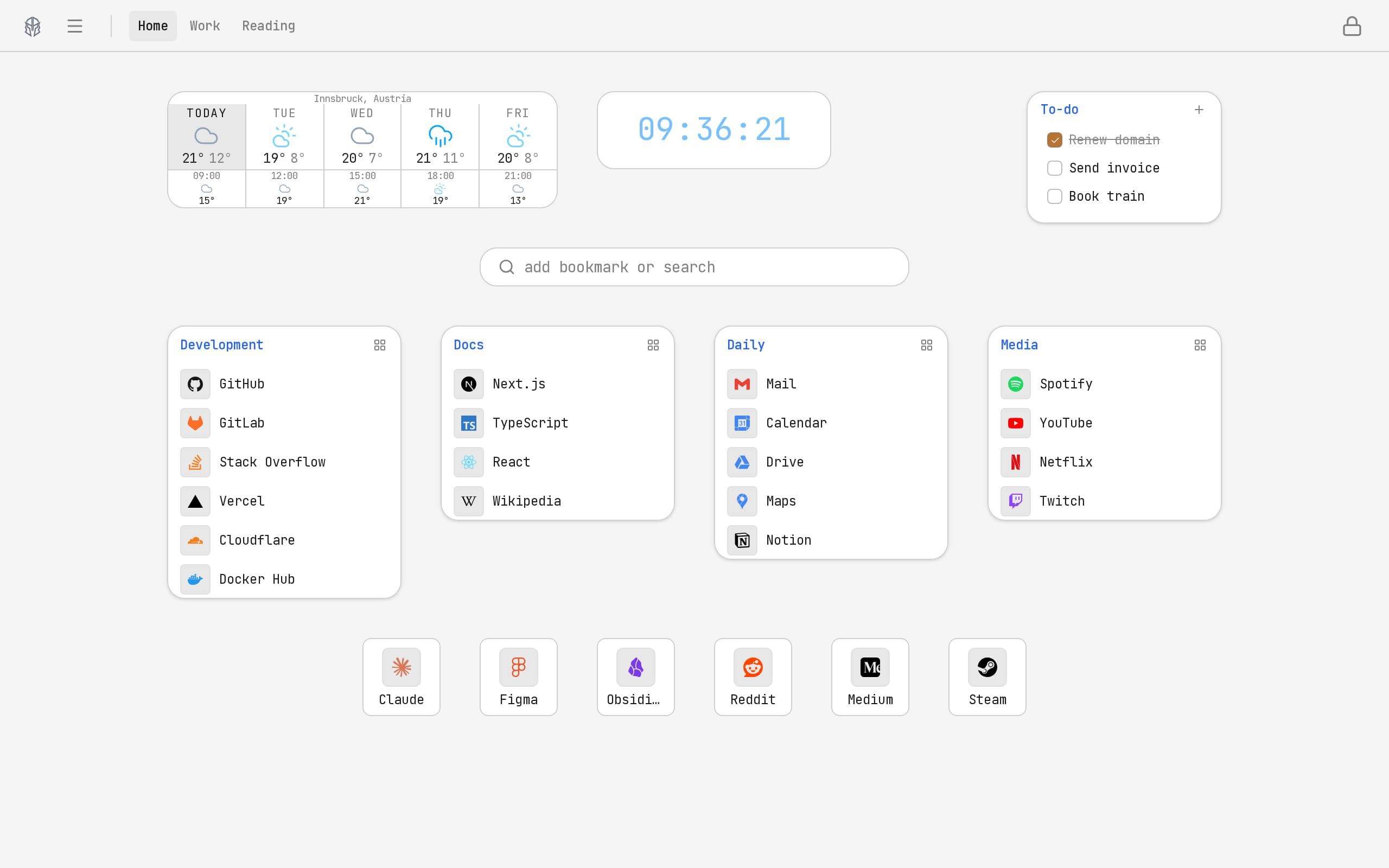
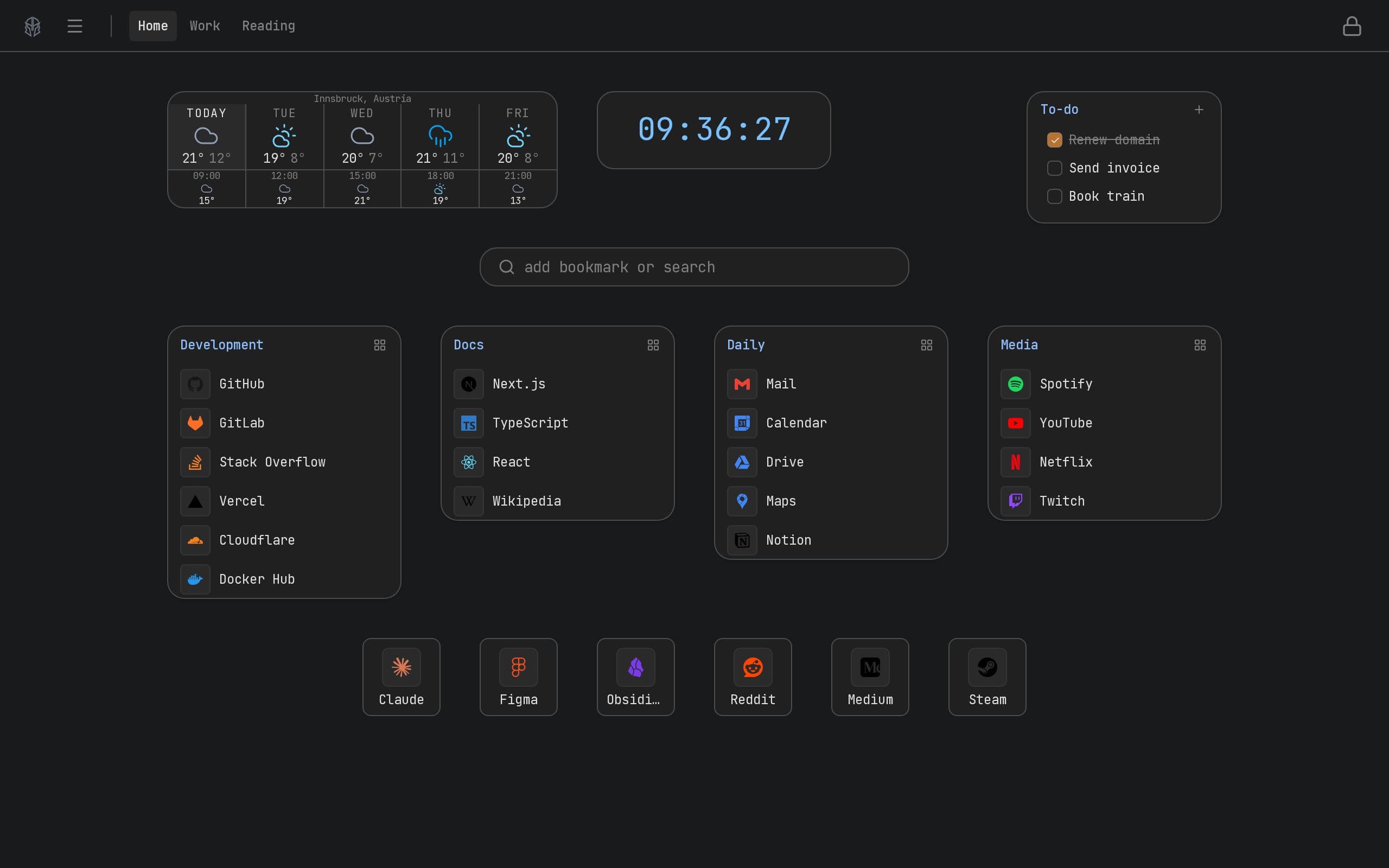
A startpage on a grid: every bookmark is a tile that stays where it was dragged, one tile dropped on another becomes a folder, and the clock, search box, forecast and to-do list share the same canvas.
- reference
- bookmarks
hoplt is a startpage. Every bookmark on it is a tile on a grid, and a tile stays where it was dragged.
Tiles, groups, pages
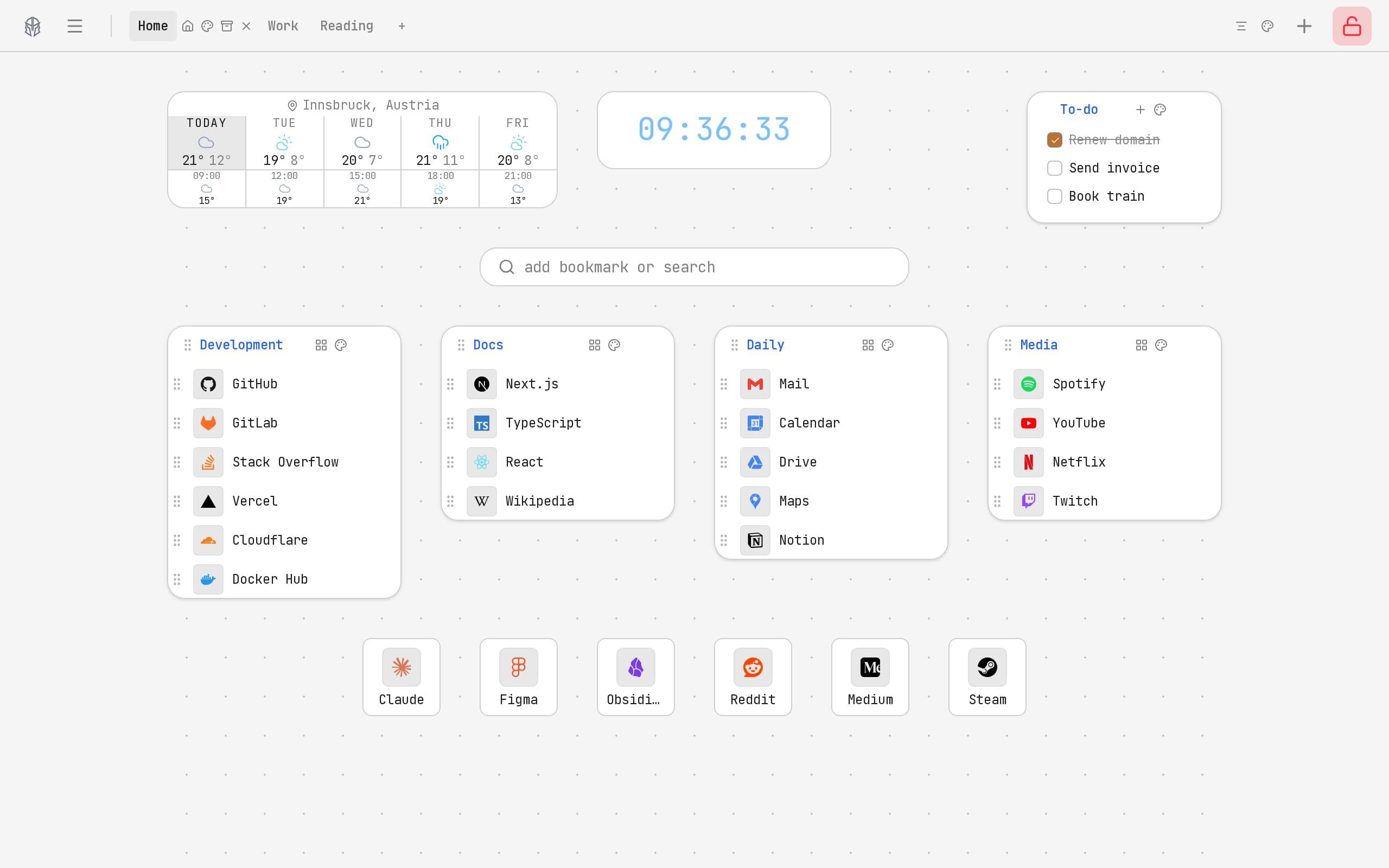
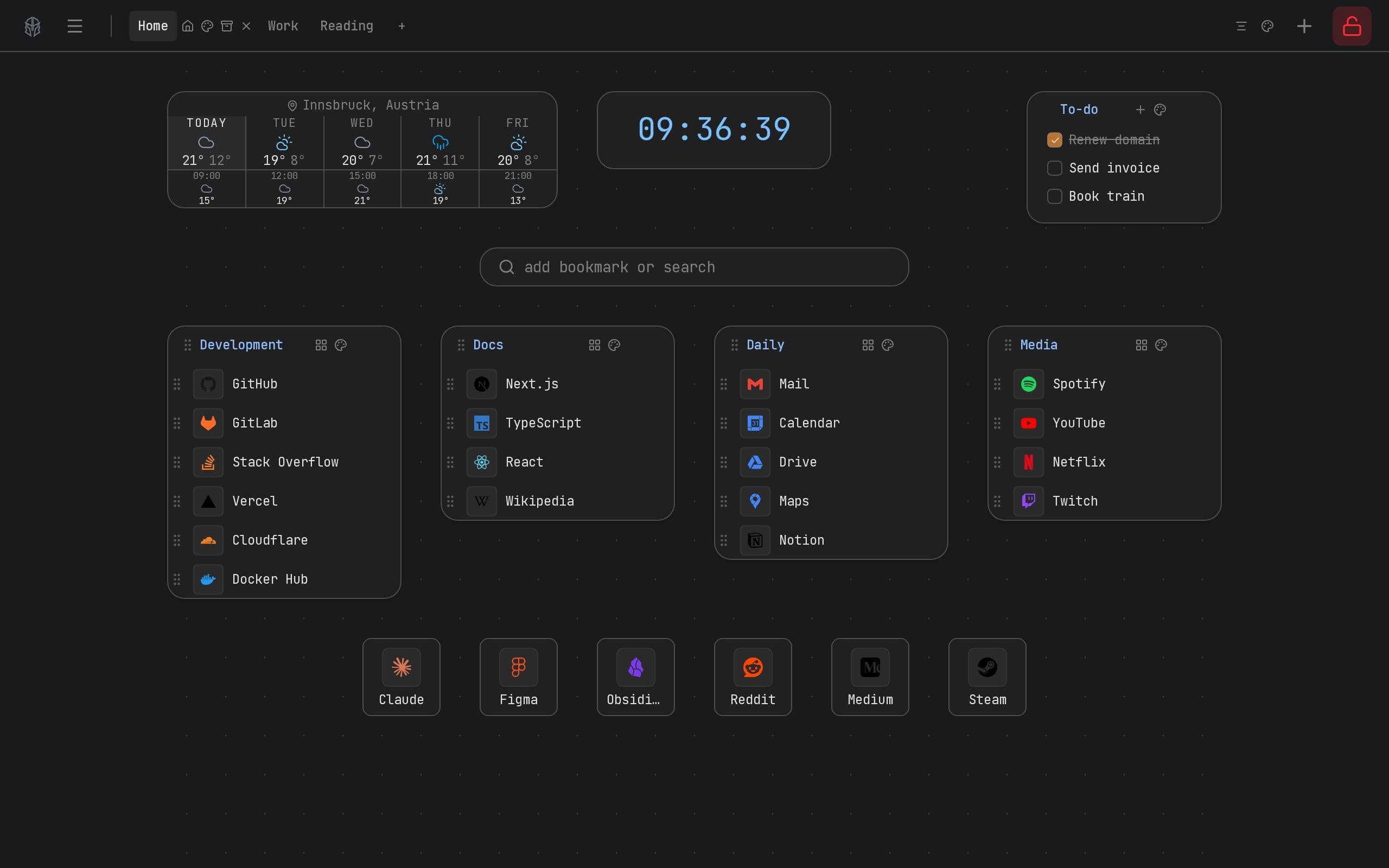
A tile is moved by dragging it and resized by pulling an edge. Drop one tile onto another and the two become a group that opens like a folder; drag a tile back out and it is loose again. A board can hold several pages, each with its own tiles, switched from the tabs in the header.
Arranging and using
The padlock at the top right switches between the two. Unlocked, the grid appears and every tile can be moved, resized, recoloured or given a different icon. Locked, the controls disappear and a click on a tile opens the link.
Widgets on the same canvas
A clock, a search box, a five-day forecast and a to-do list are tiles like any other, placed and resized the same way. An address typed into the search box becomes a new bookmark, with the title and the icon read from the site itself.
No account needed
What a board holds stays in the browser. Signing in is optional and keeps the pages in step across devices. Encryption can be switched on in the preferences, and from then on titles, links and tile positions leave the browser encrypted.